Zad HR puts attendance, leaves, payslips, loans and complaints in one bilingual mobile app — with geofenced check-in and multi-stage approvals, ready for every company on its own secure workspace.
Zad HR is a Flutter application backed by a multi-tenant Odoo platform. Every company logs in to its own secure workspace by entering its domain — then employees and administrators manage the daily HR flow from their phones.
Paper attendance sheets, WhatsApp leave requests and lost payslips slow teams down. Zad HR replaces them with a single, auditable mobile flow.
Small-to-mid companies and enterprise branches that need field-ready attendance, structured approvals and self-service payroll for every employee.
A single Flutter codebase ships to Android and iOS. Each tenant is an isolated Odoo instance selected by domain at login — no shared data.
Every feature maps to a real, verified capability in the app — not a wishlist. Here's what makes it dependable on day one.
Check-in and check-out are validated against the company's geofences, so time records are trustworthy.
Leaves and loans move through first, second and HR approval stages — enforced on the server, not just the UI.
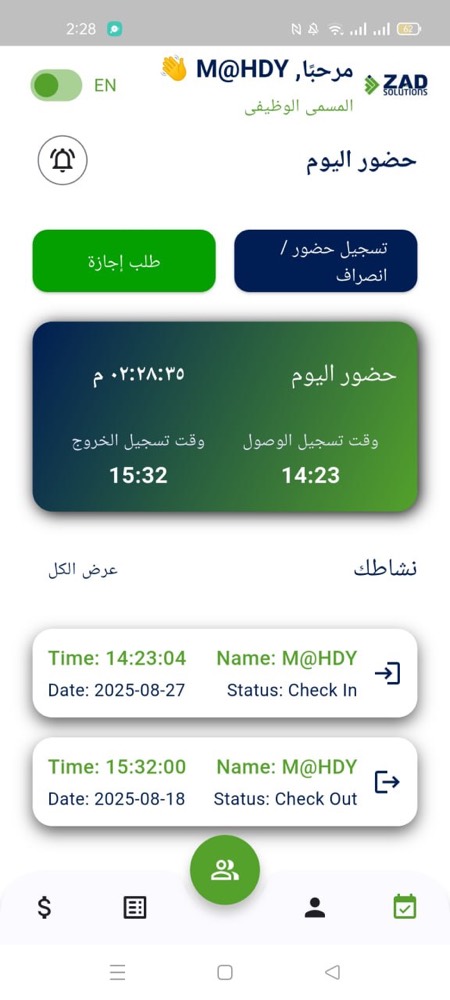
Full Arabic and English with correct right-to-left layout, date handling and locale-aware formatting.
Multi-tenant by design: each business connects to its own backend and sees only its own data and modules.
Eight production modules covering attendance, time-off, payroll and employee relations.
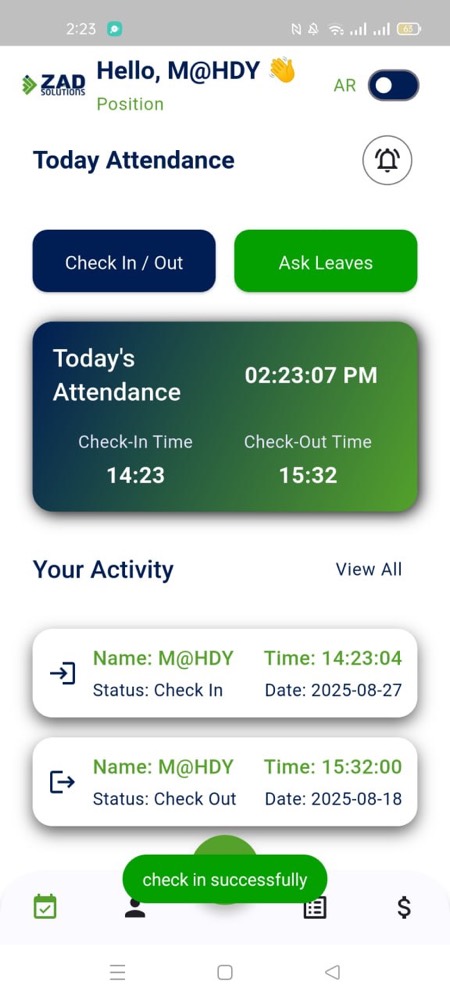
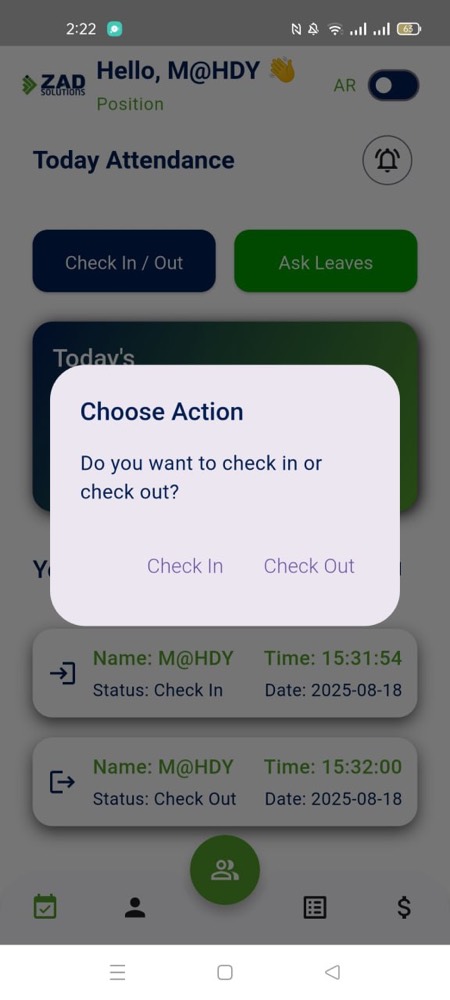
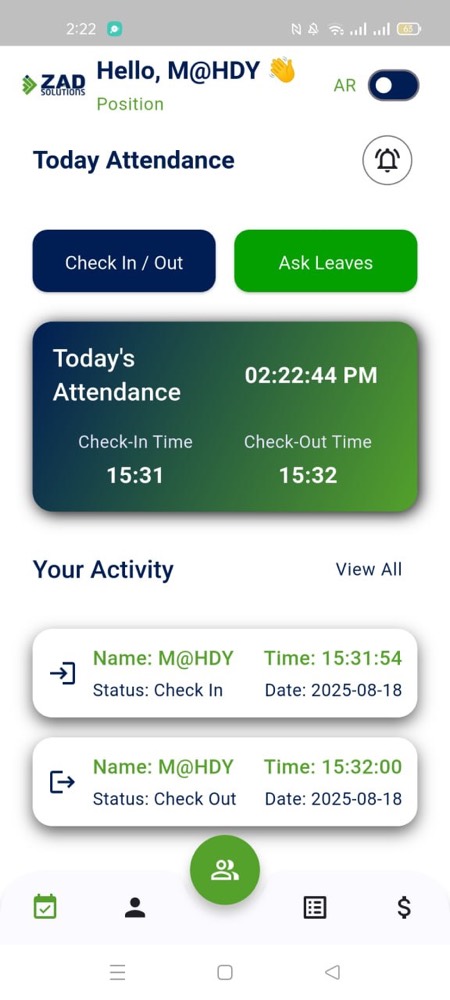
Live clock, one-tap check-in/out, and location validation against company radiuses. Times are cached locally and synced.
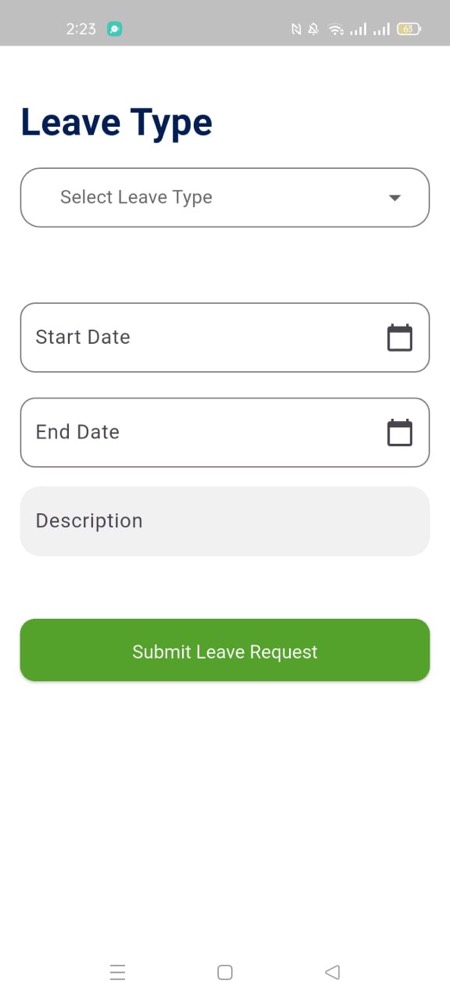
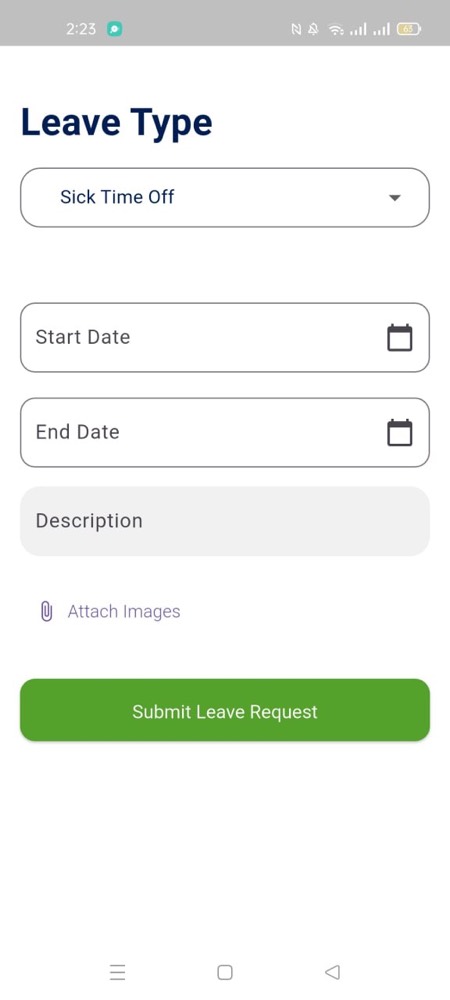
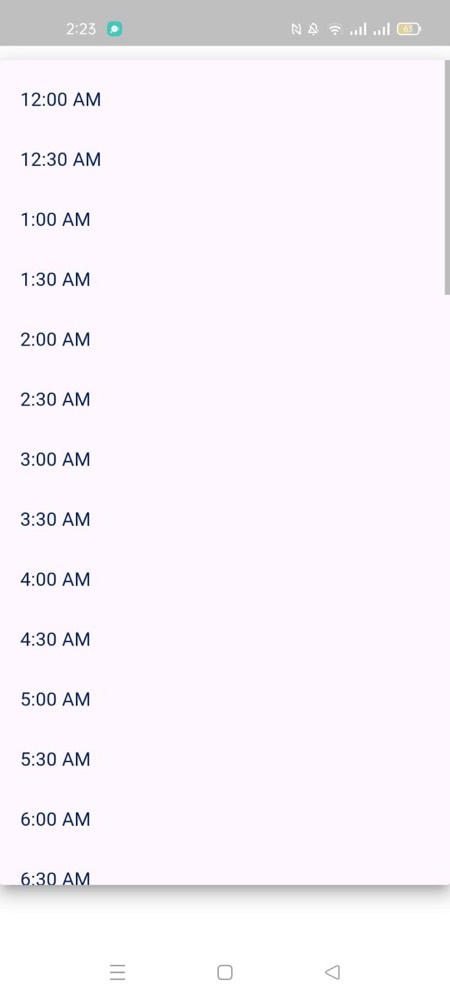
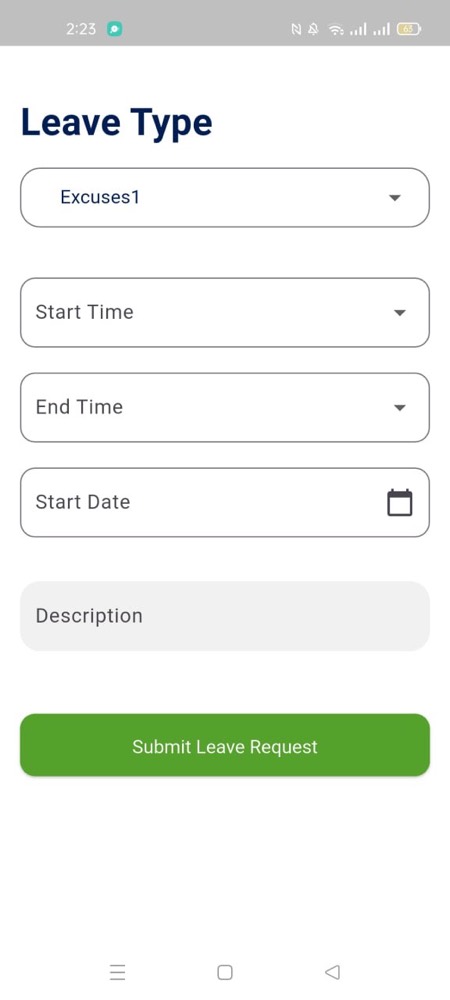
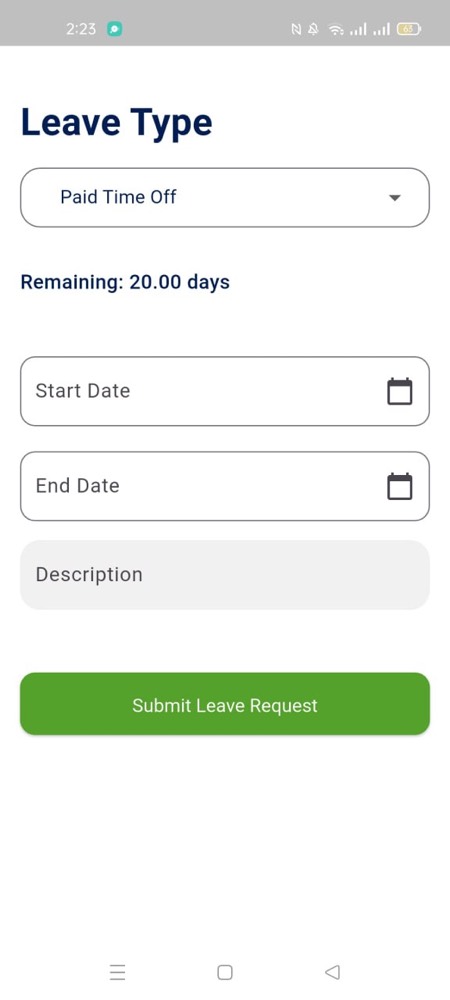
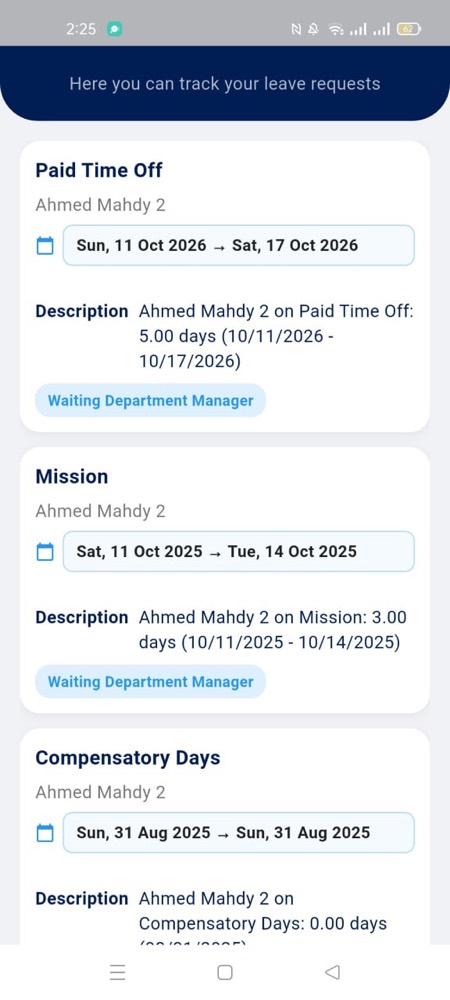
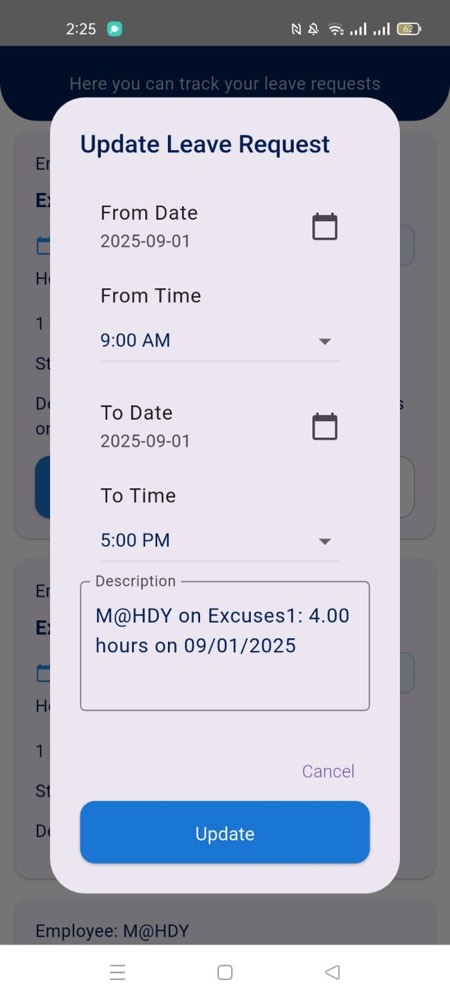
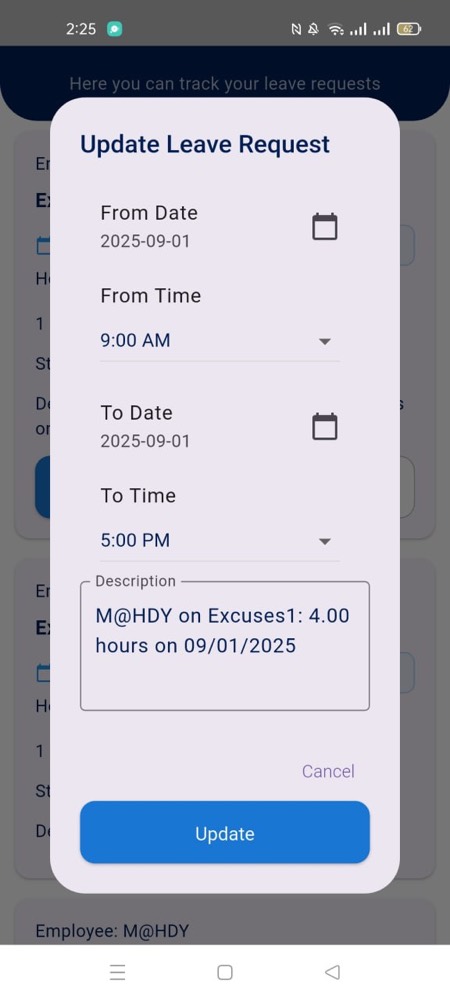
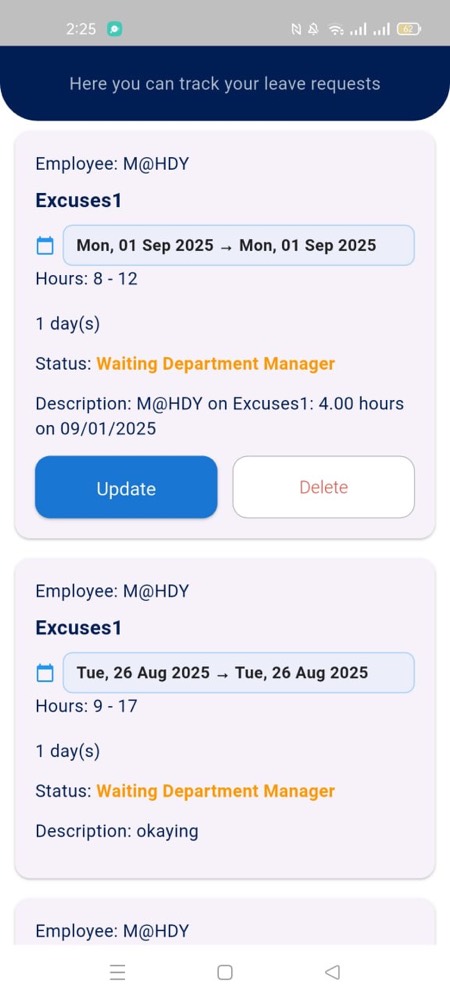
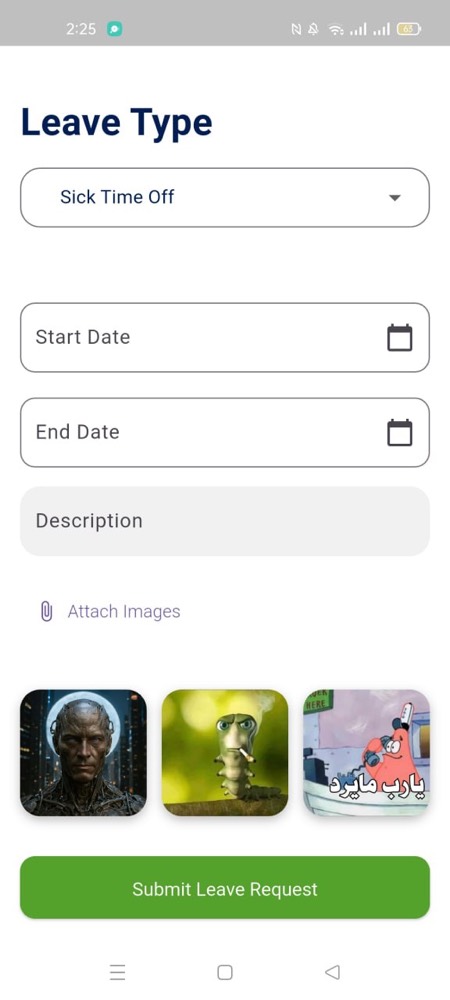
Day- or hour-based requests, leave types, remaining balances, compensatory leave and document attachments.
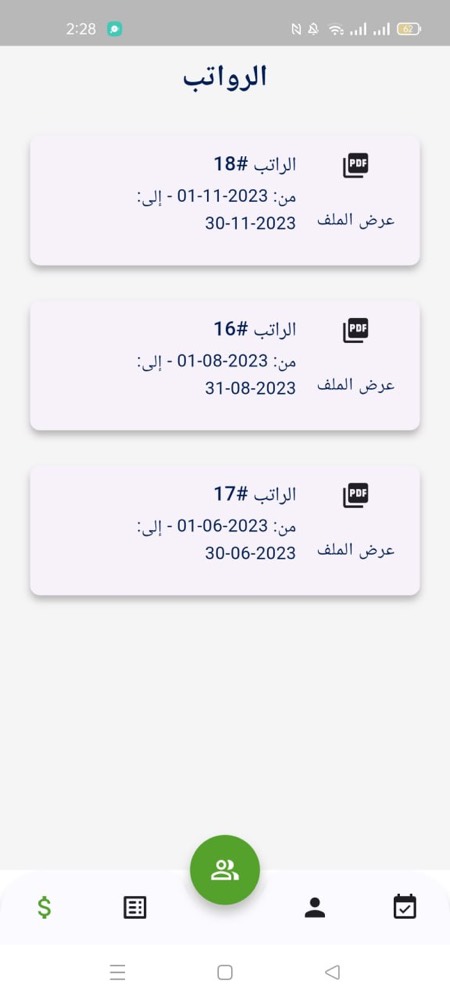
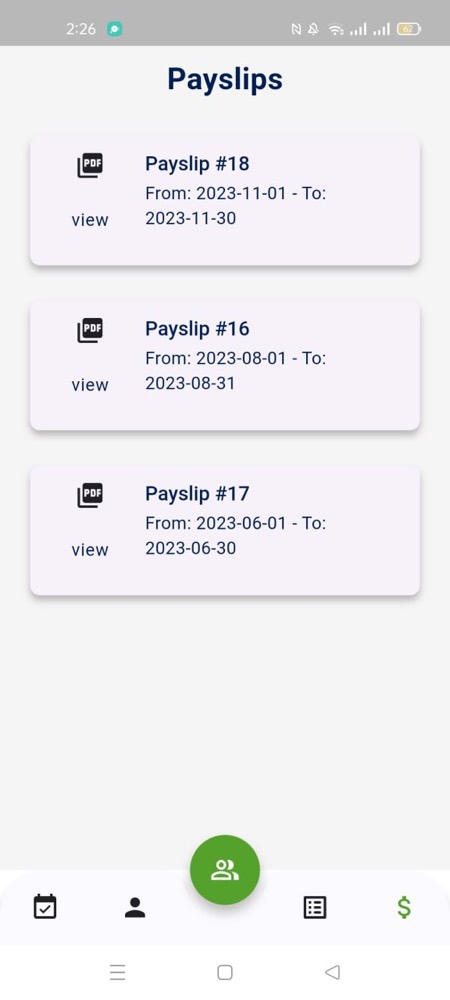
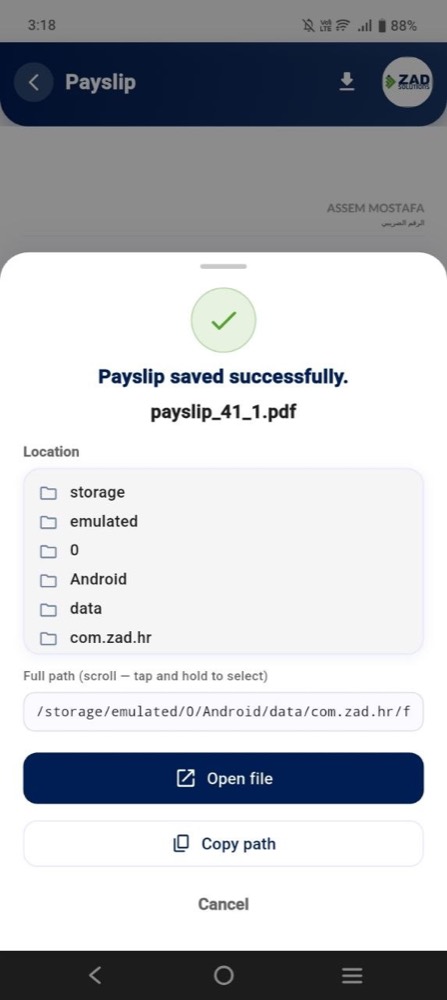
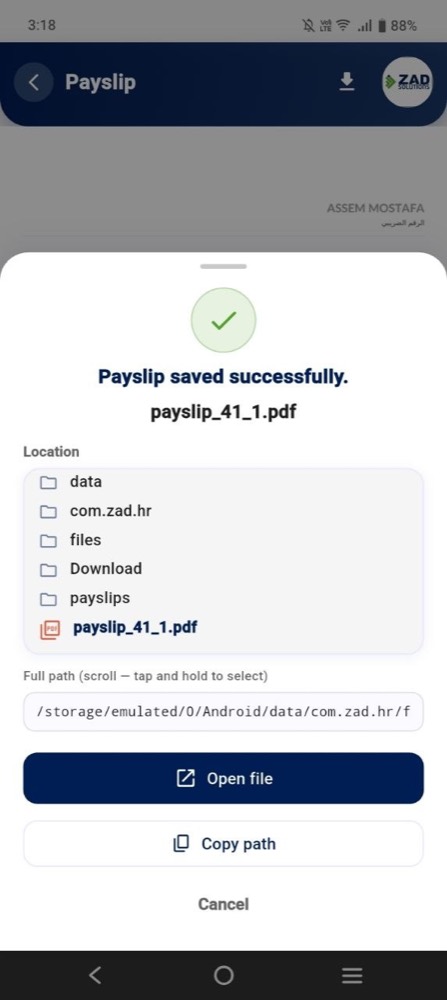
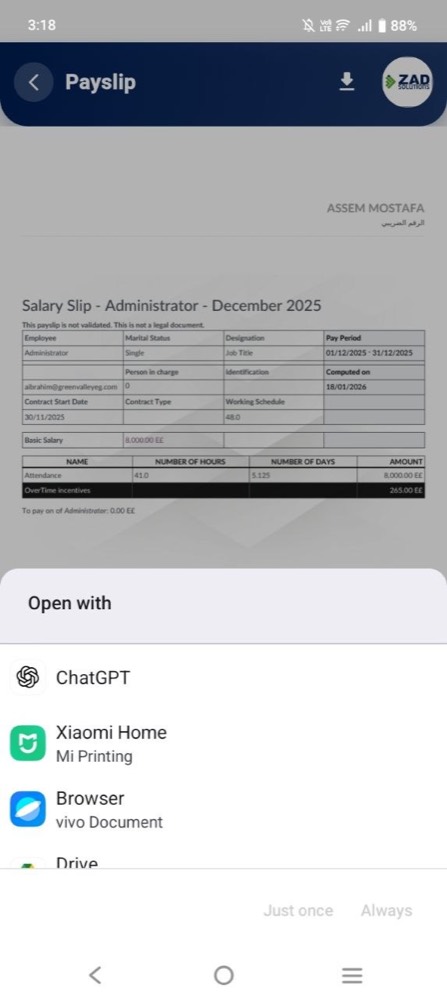
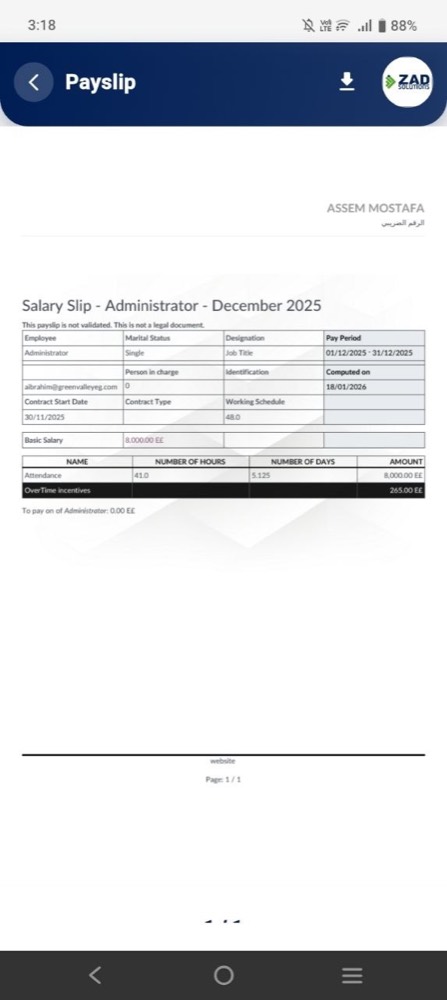
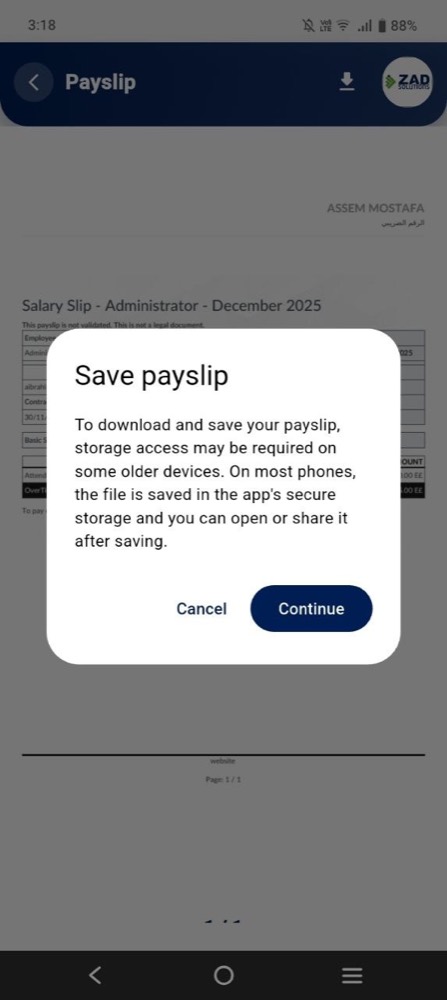
Browse pay history, preview payslip PDFs in-app, and save them to the device — with connectivity checks.
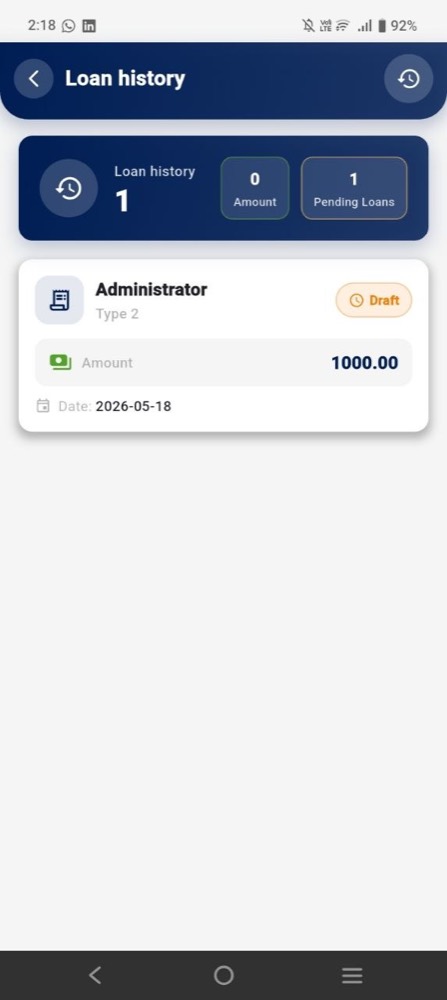
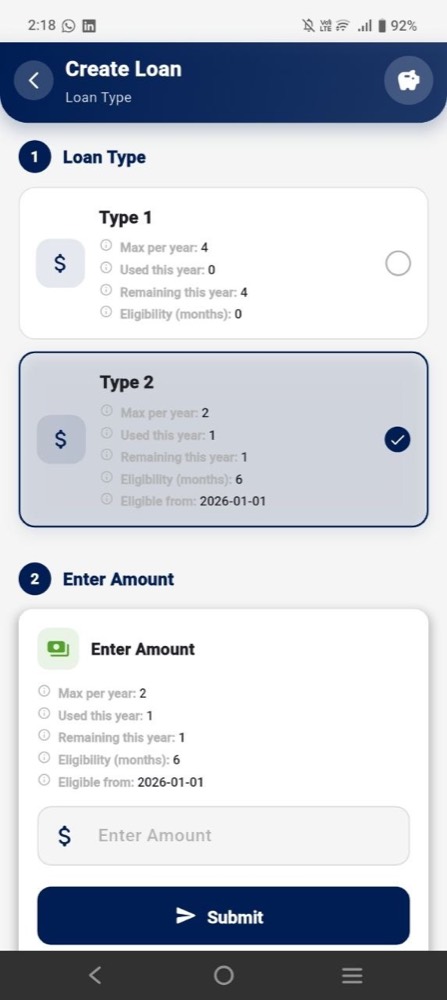
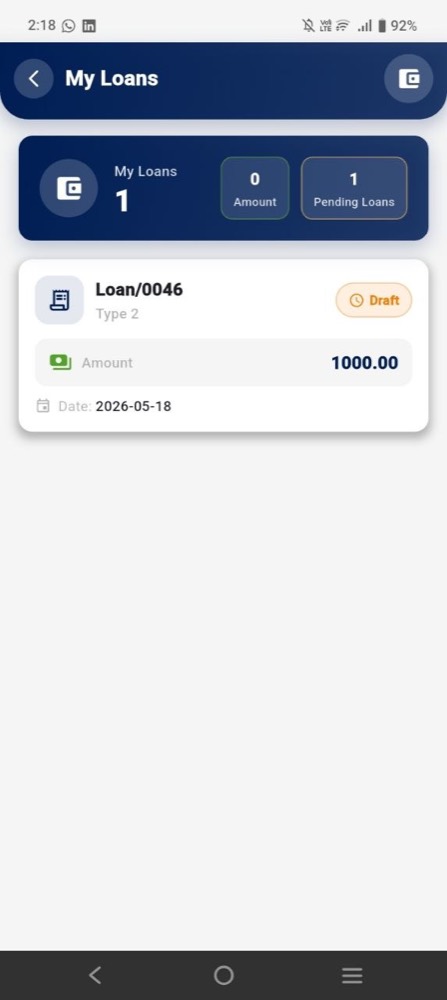
Request loans by type and amount, then track them through first-approver, second-approver and HR review.
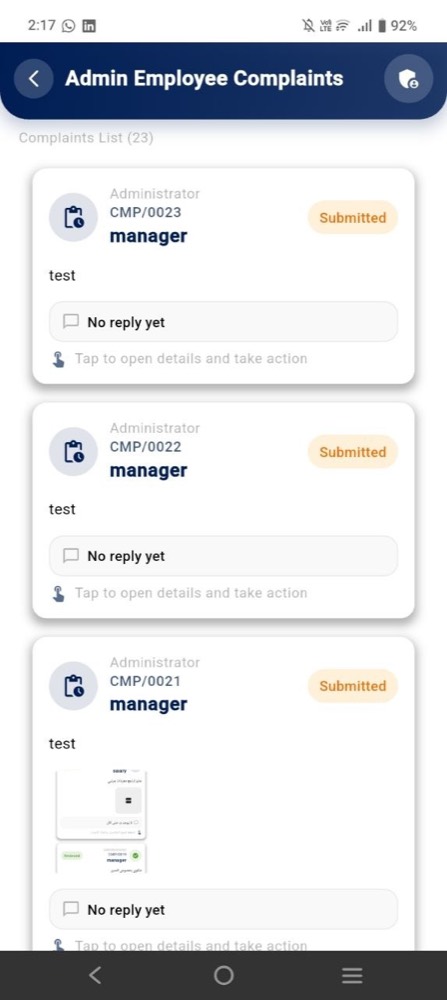
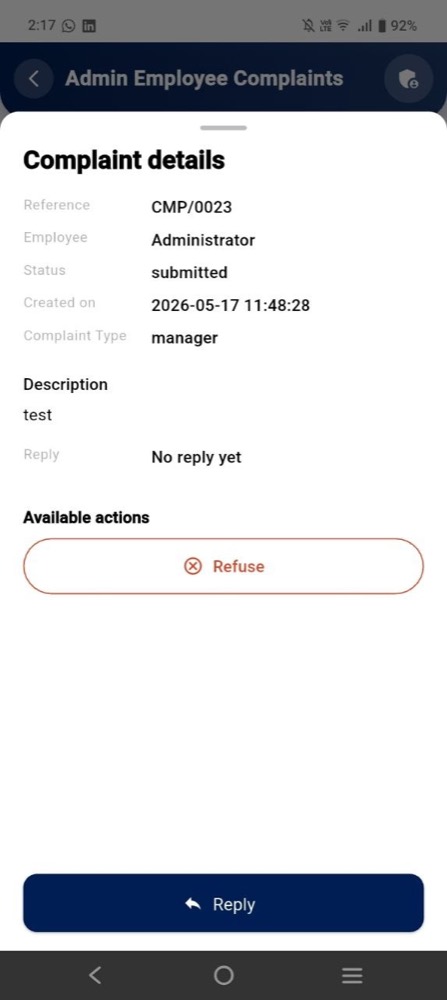
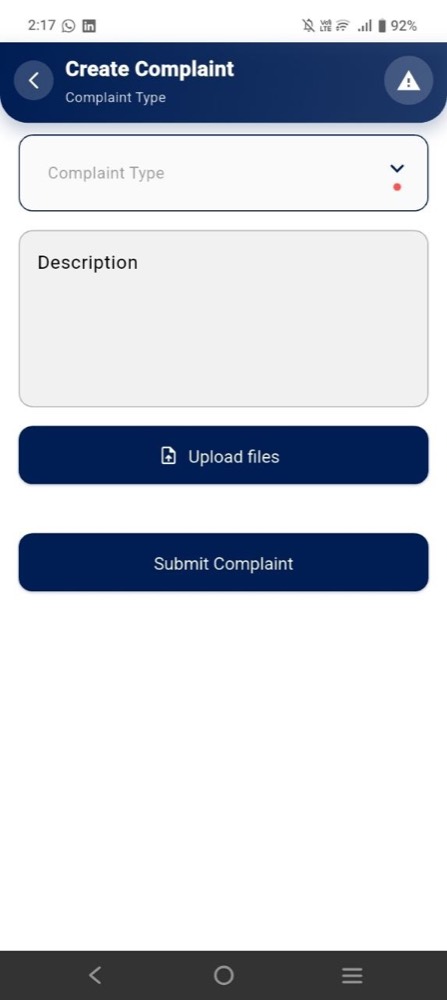
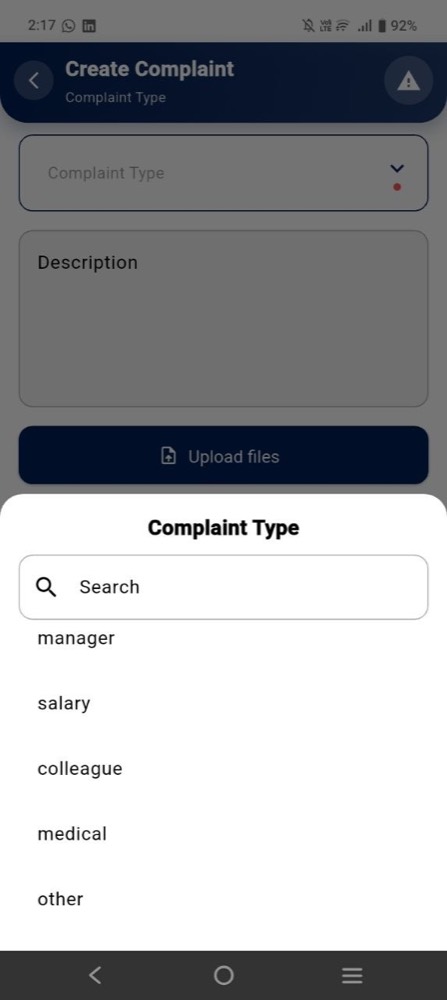
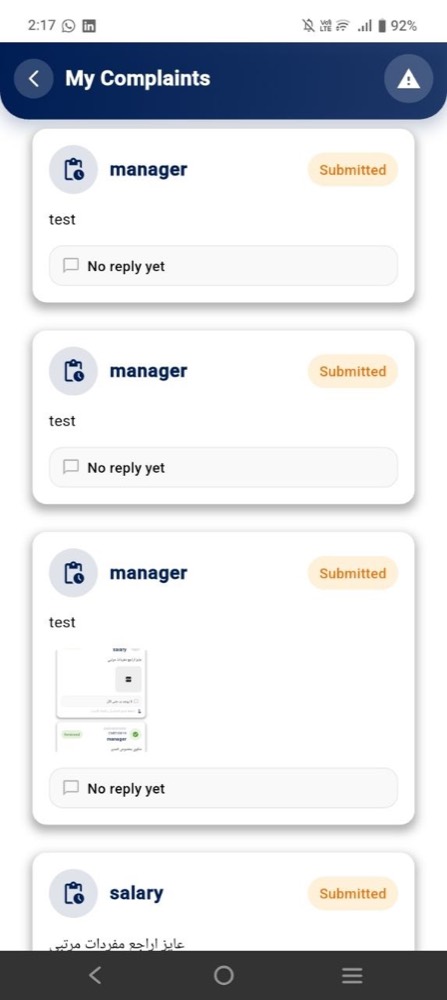
Raise complaints with attachments, follow the reply thread, and let HR review, respond and close them.
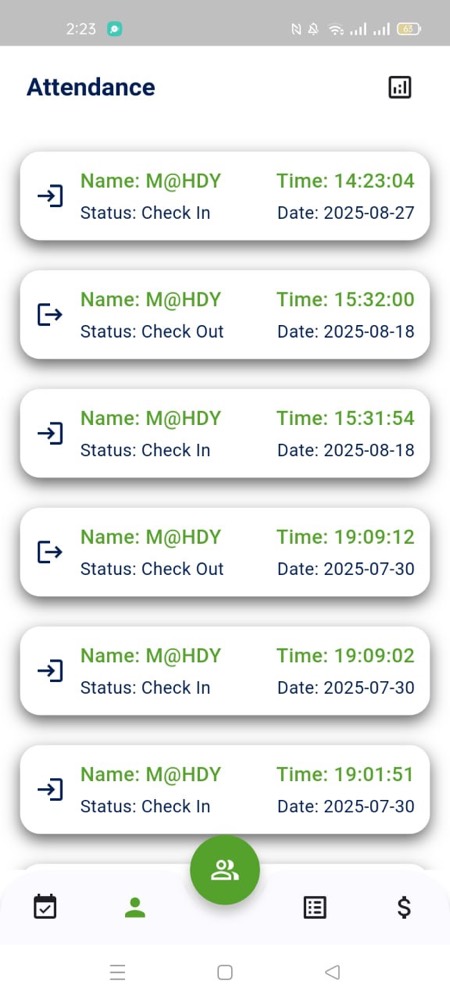
A personal activity timeline of check-ins and check-outs, with pull-to-refresh and per-user history.
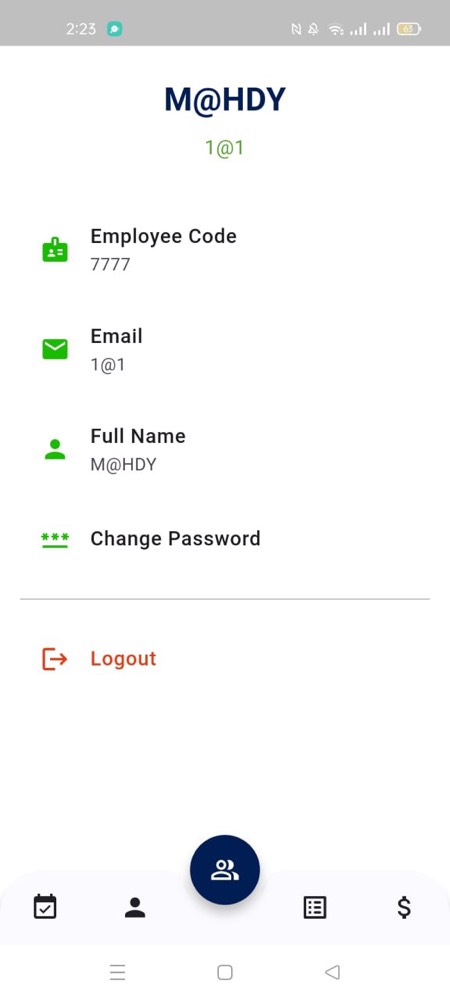
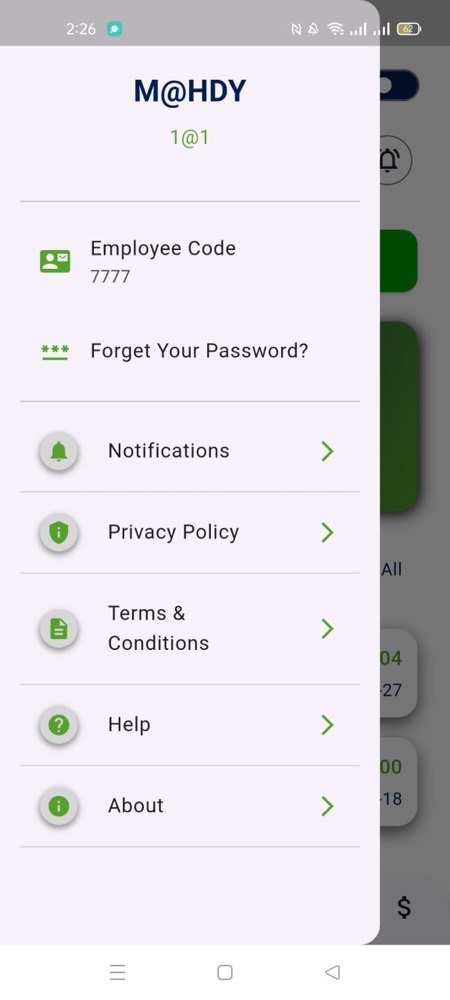
View profile details, change language, reset passwords and manage account settings from the drawer.
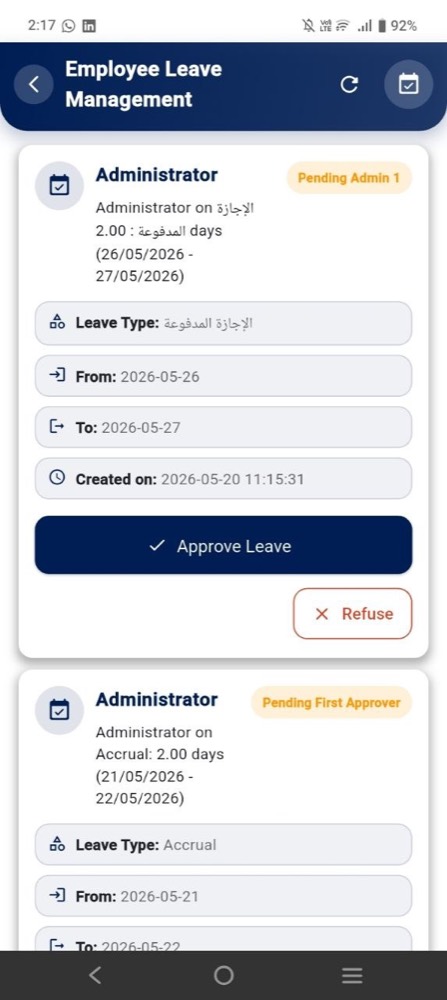
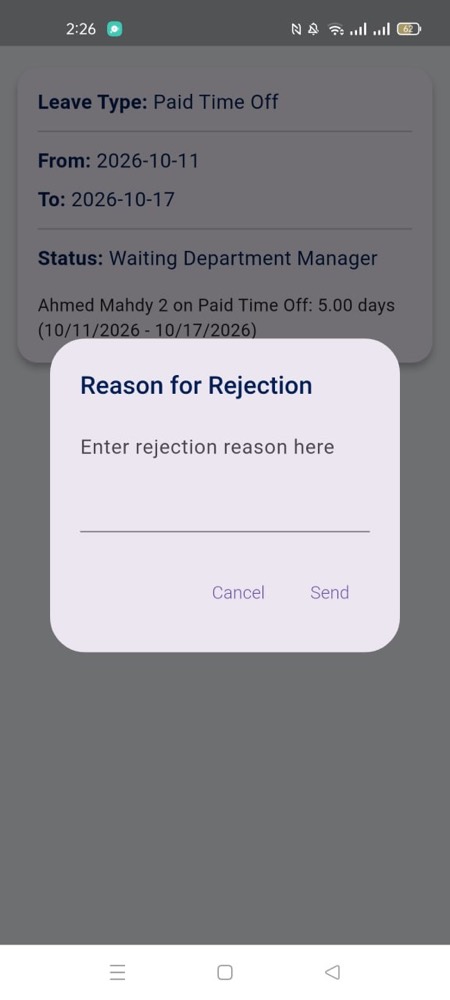
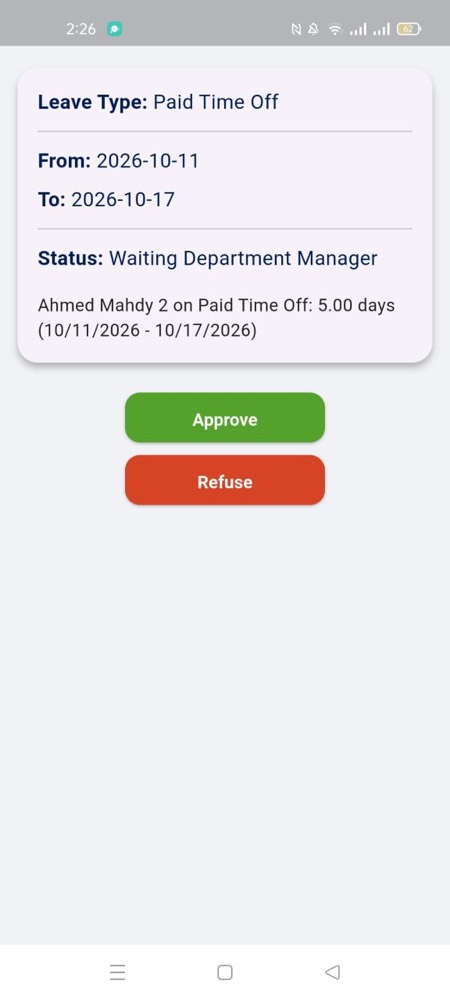
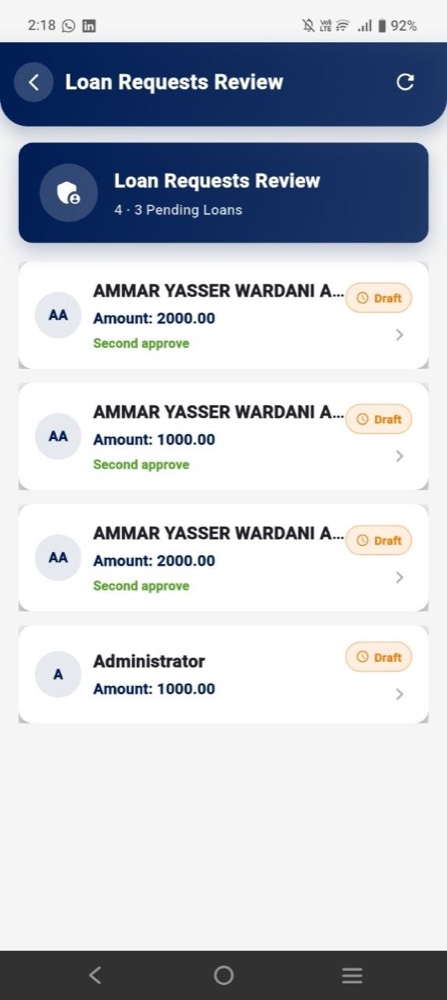
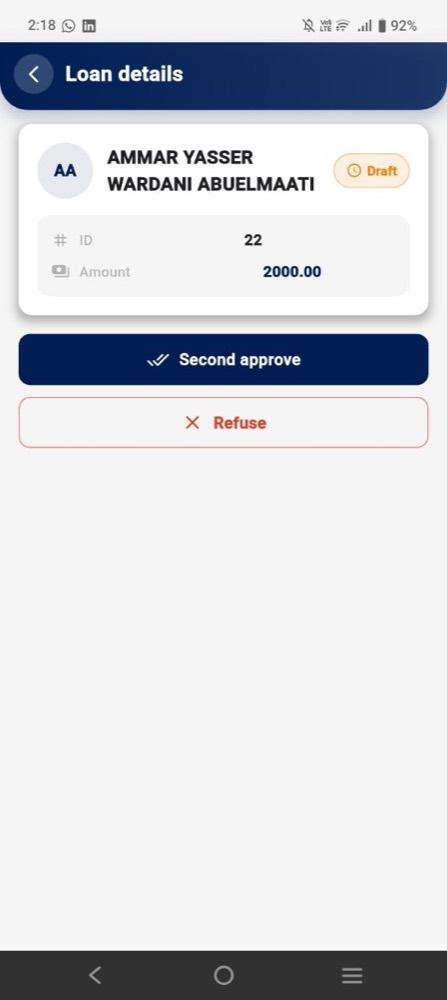
Admins get a dedicated hub to approve or refuse employee leaves and loans, with refusal reasons.
Server-verified sessions, automatic logout on auth failure, and per-user state reset prevent data leakage.
The real user journey, straight from the app's flow.
Enter your company domain and employee code. The app links to your tenant's secure workspace.
Email + OTP verification (with optional manager confirmation) creates your account and validates the session.
Check in on location, request leave or a loan, view payslips, and raise complaints — all from the home shell.
Managers and HR review requests through multi-stage approvals; everyone tracks status in real time.
Access is driven by an admin flag returned at login, with extra modules enabled per company configuration.
Every signed-in team member.
Users flagged as administrators.
Per-company feature gating.
Feature-first structure with Bloc/Cubit state management and a singleton network layer.
Flutter app → Dio (per-tenant base URL) → Odoo REST API · Firebase Core initialized at bootstrap
Every technology below is a real dependency in pubspec.yaml or platform configuration.
Security is enforced at the session, tenant and device layers.
Cached sessions are re-validated against the profile API on launch; auth-failure messages force an immediate, safe logout.
Each company connects to its own Odoo instance by domain. Data, modules and approvals never cross tenant boundaries.
A device identifier is sent at login and registration, tying accounts to known devices for added assurance.
All in-memory cubit state is wiped on logout or user switch, preventing any cross-user data leakage.
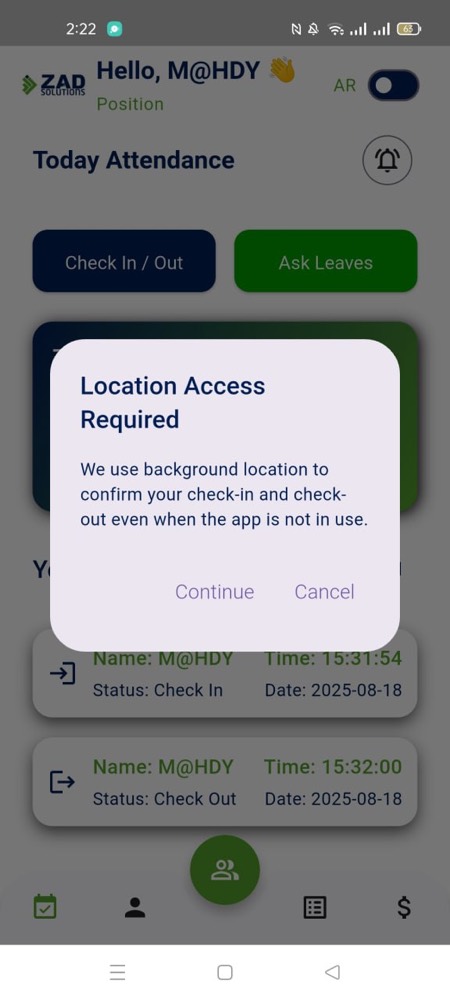
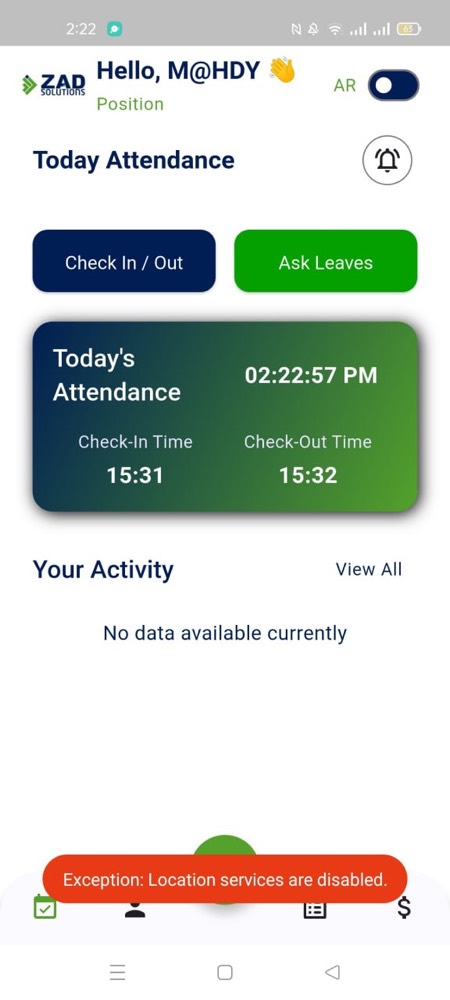
Attendance requires being inside a company geofence; permission and service state are checked before every action.
Approval permissions for leaves and loans are decided by the backend — the client cannot bypass authorization.
Zad HR ships with full Arabic and English localization, generated from ARB resource files, with correct right-to-left rendering for Arabic.
The app keeps users informed through in-context feedback and is built on Firebase Core with Cloud Messaging included in the stack for future push delivery.
Zad HR turns daily activity into clear, personal records for employees and actionable queues for HR.
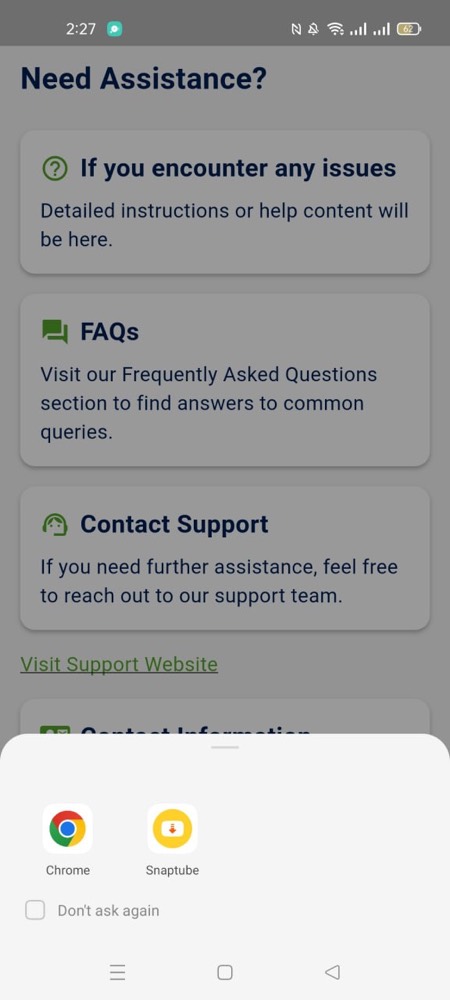
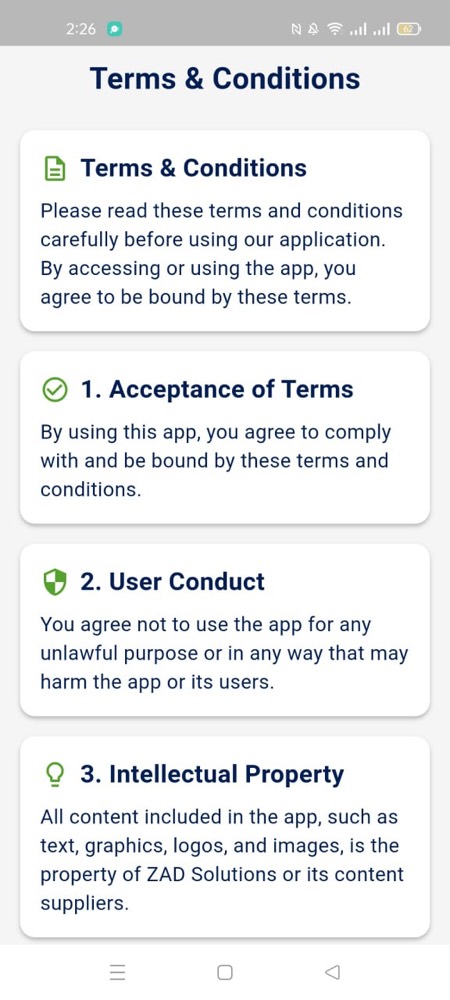
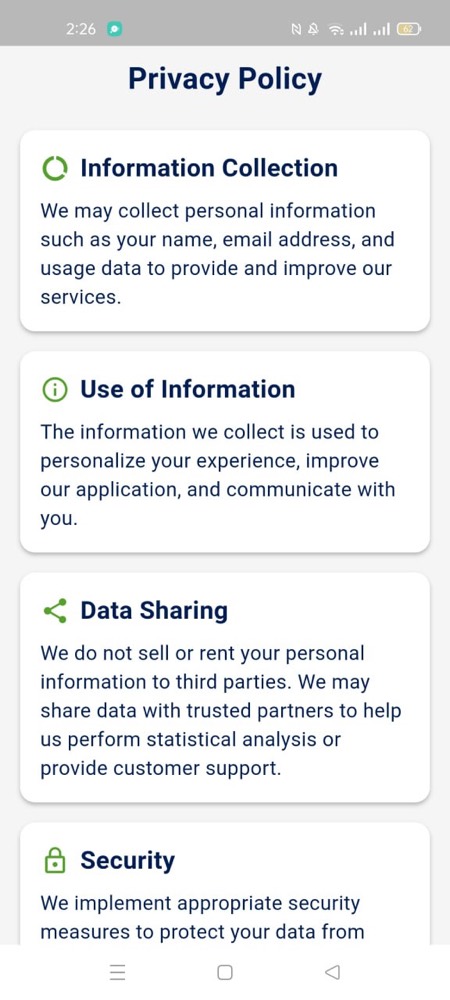
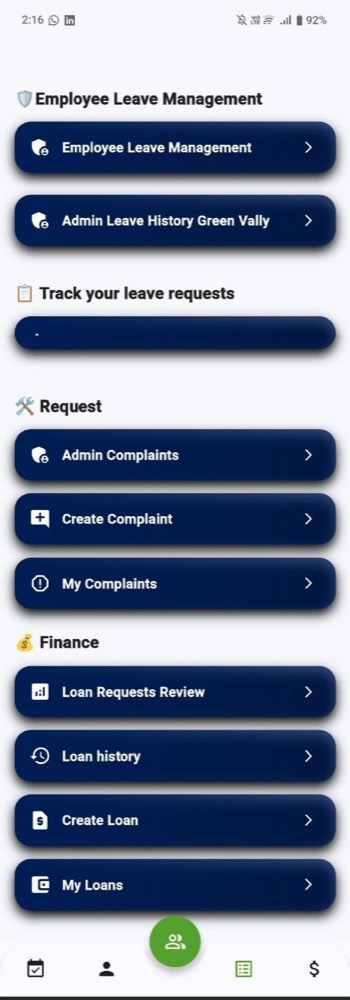
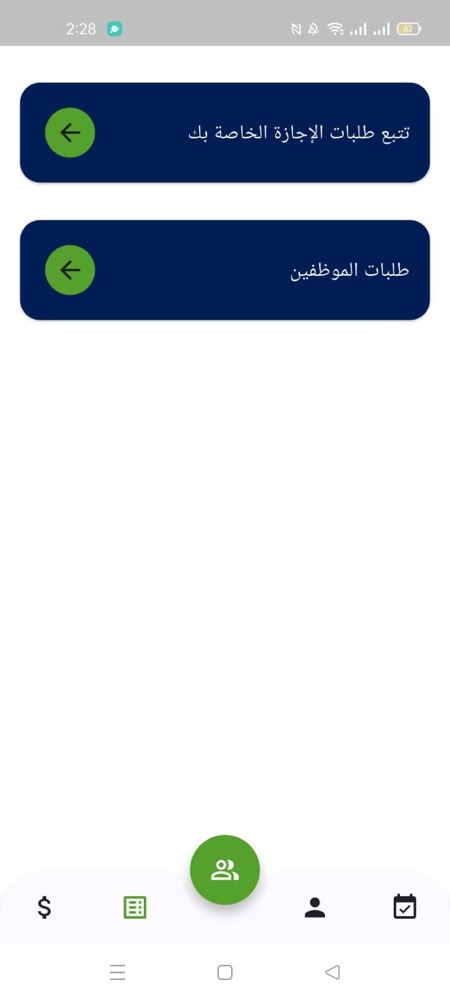
Actual screens from the Zad HR mobile app. Click any screen to open the lightbox.


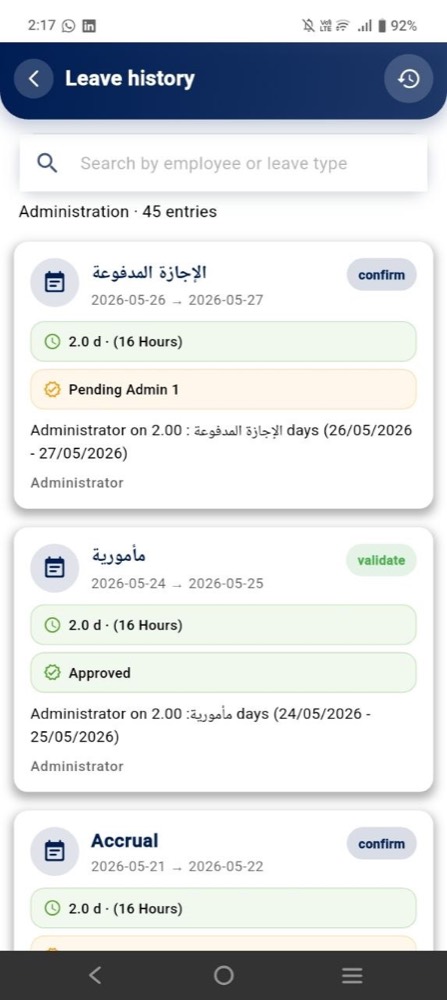
Administrators get dedicated hubs to clear leave and loan queues, respond to complaints, and review full leave-flow history — all from the same mobile app.
Approve or refuse requests with a reason, moving items through each approval stage.
Paginated, debounced search across the full leave-flow history for auditing.
Reply to complaints, mark them reviewed, and keep employees updated.


Zad HR is built with Flutter and ships to Android and iOS from a single codebase — with adaptive layouts that scale from phones to tablets.
Native builds configured for both stores from the same source.
ScreenUtil plus custom helpers adapt every screen to device size.
Local caching of attendance times and connectivity checks before heavy downloads.
Yes. It's multi-tenant — each company signs in with its own domain and connects to its own isolated Odoo backend. Data and modules never cross tenants.
Android and iOS, built from a single Flutter codebase with responsive layouts for phones and tablets.
Check-in and check-out are validated against configured company geofences using device location, so records reflect real presence on site.
Fully. Arabic and English are both first-class, with correct right-to-left layout and locale-aware date and number formatting.
Leaves and loans move through multiple approval stages (first approver, second approver, HR). Authorization is enforced on the server.
Sessions are re-validated against the server on launch, and the app forces a safe logout on any authentication failure, with per-user state reset.
Indicative packaging — final pricing is tailored per deployment. Contact us for a quote.
See Zad HR in action with your own workflow. Request a demo and we'll set up a guided walkthrough.